Your institution, on paper
Start with 11 certificate categories. Set your typography, colors, signatures, and fields in the visual designer.
Design, issue, and verify certificates that carry your institution’s name and your students’ hard work into the world.
Explore the interfaceStart with 11 certificate categories. Set your typography, colors, signatures, and fields in the visual designer.
Import a spreadsheet, map your columns, and preview each recipient. Send the batch through approval before issuing.
Downloadable PDFs, a student wallet, and a unique verification link keep recognition useful beyond the campus.
A certificate should be easy to check. Open its verification link, scan its QR code, or enter its credential ID here.
Check the current status directly against the issuer’s record.
Meet Framilton CampusOS, the companion workspace for courses, attendance, internships and student services.
Explore the staff and student experiences in a live demo institution with sample records.
Try staff & student demos Explore Framilton OS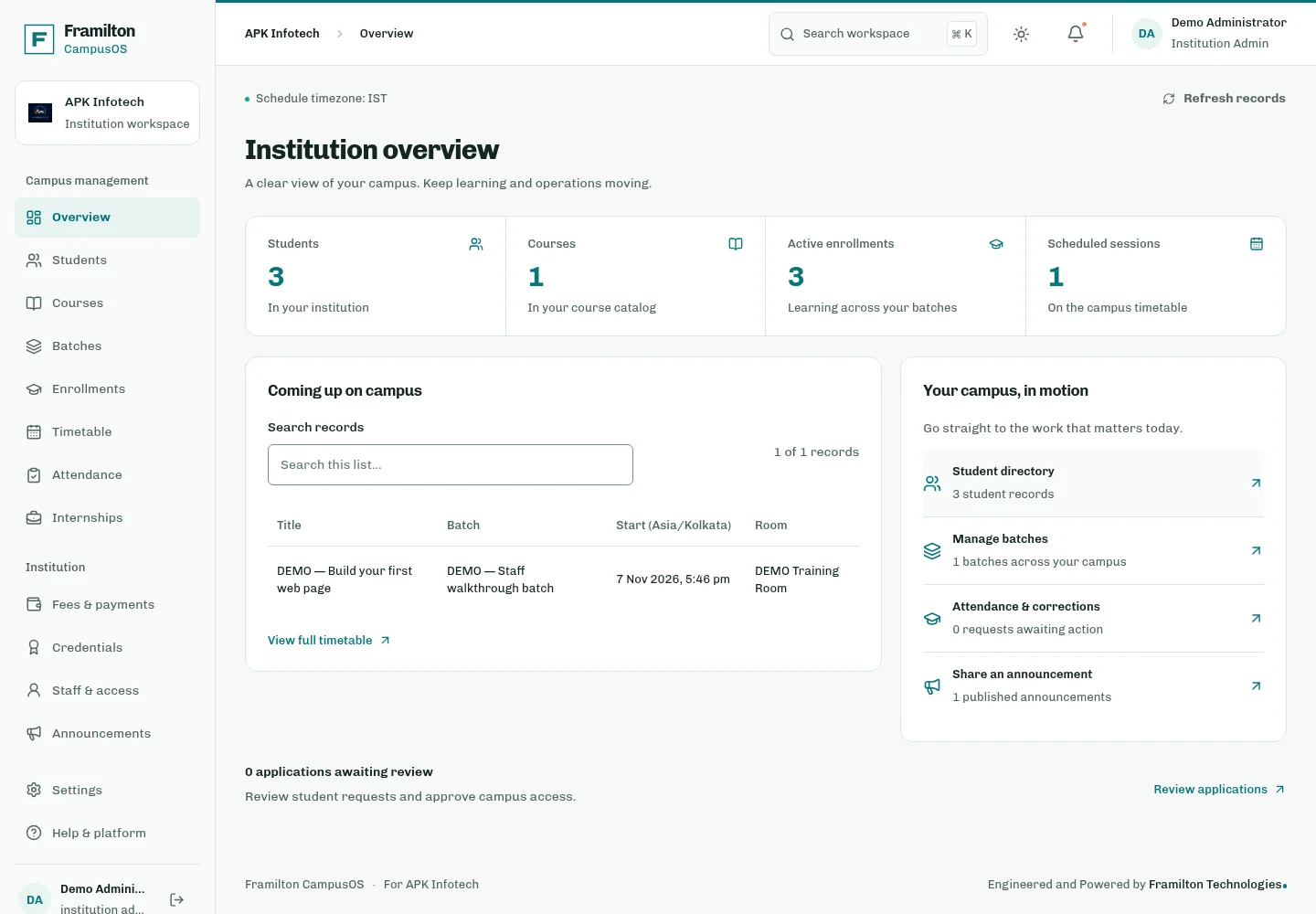
Can we use our own branding? Yes. Add your institution’s name, logo, colors, signatures, and dynamic fields in the visual certificate designer.
Can we issue a whole batch? Import a CSV or Excel spreadsheet, map the recipient fields, and preview the certificates. Your team reviews the batch before issuance.
What does verification show? Each issued certificate has a public verification page and QR code. The page checks the issuer’s current record, including revocation status.
How do recipients find their certificates? Request a secure access link with the email used by the issuing institution. The student wallet brings downloads, sharing, and correction requests together.
Your next batch of certificates starts here.